

Live Entertainment
360 Tour
Graphics
I adapted supplied tour artwork into coordinated campaigns across social, display, web, and outdoor formats. Between assignments, I independently developed Photoshop and Illustrator scripts to automate repetitive production—from JPEG exports to a populated guide and delivery PDF.
Artwork Adaptation · Production Design · Workflow Automation
Selected Work
Tour Campaigns · Artwork Adaptation & Production

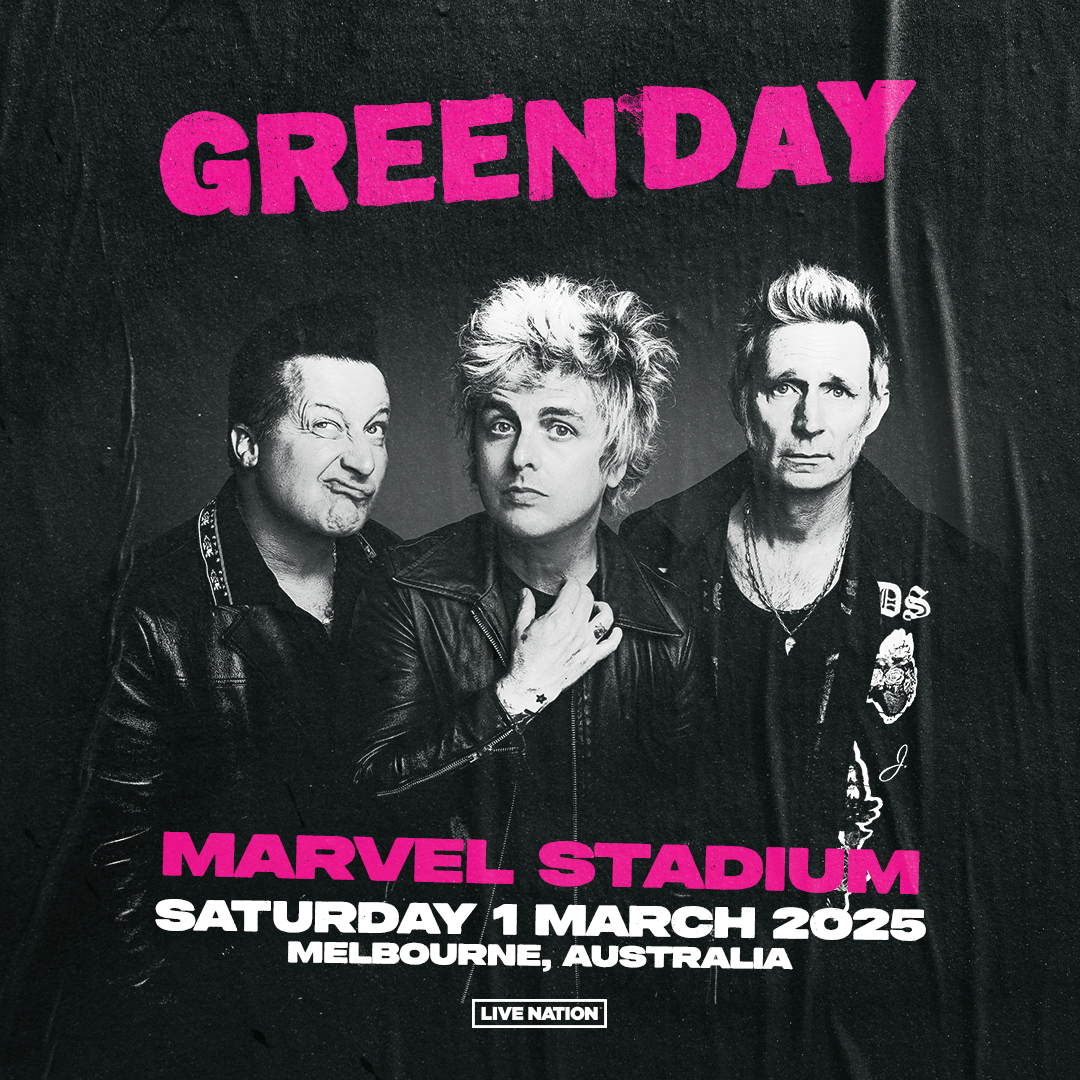

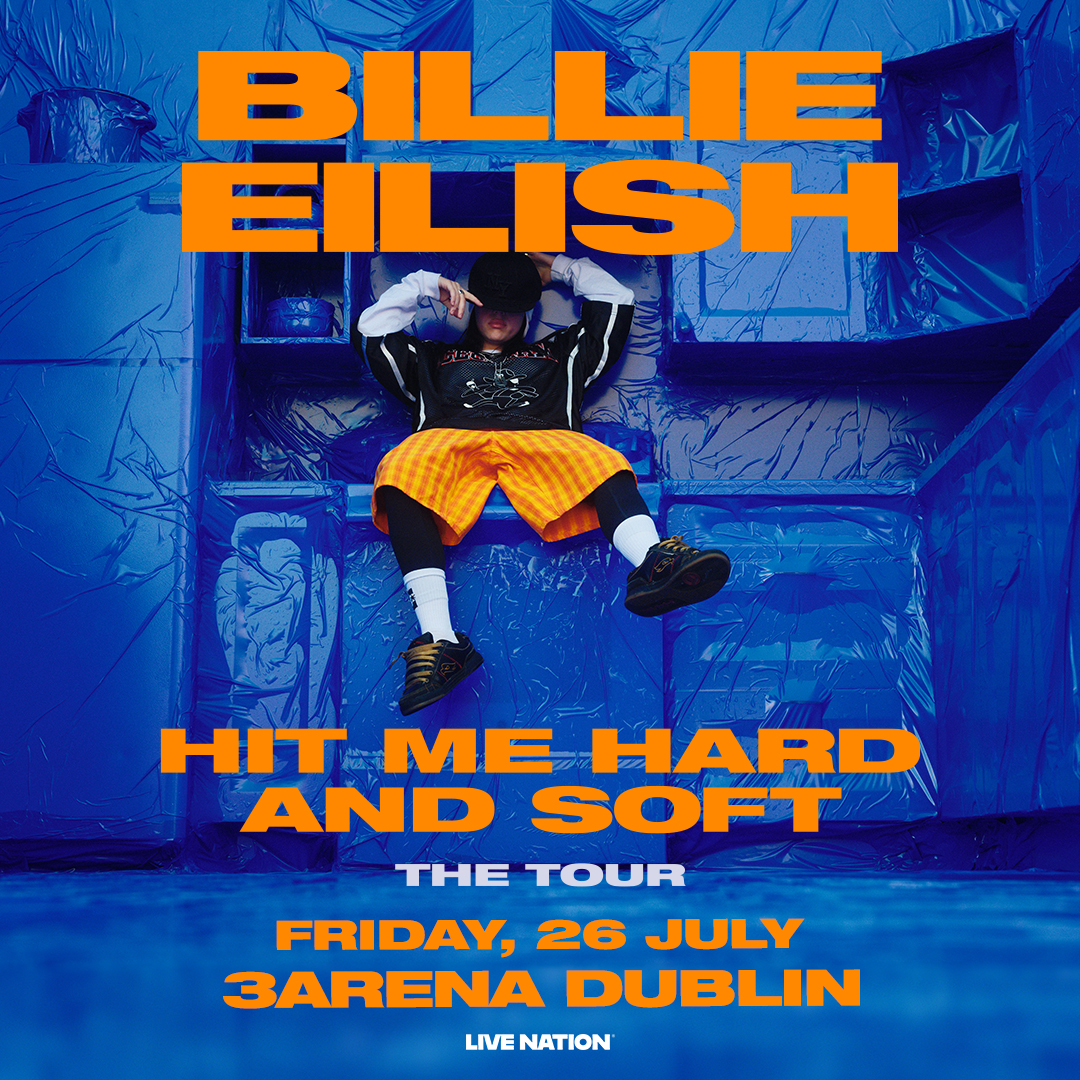
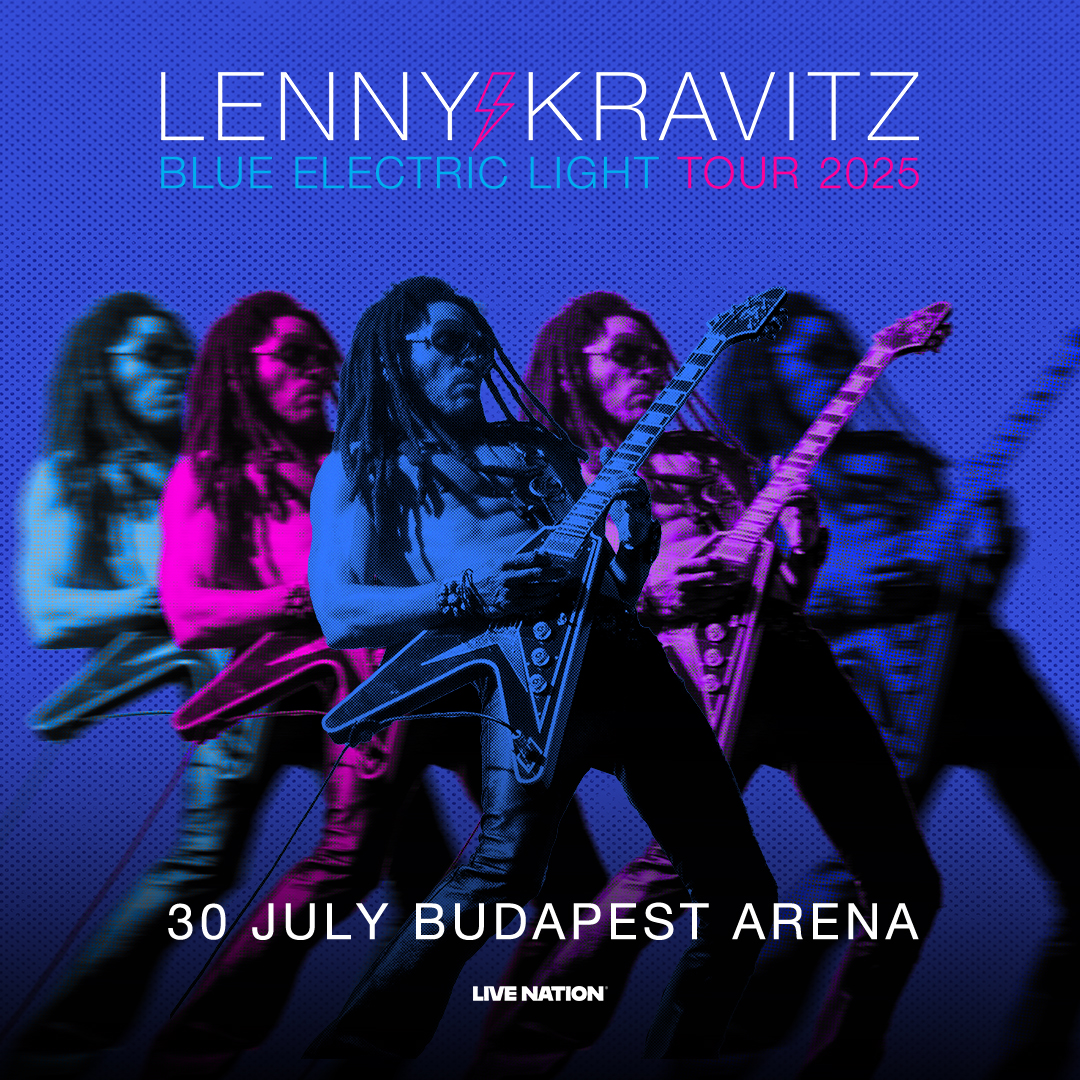
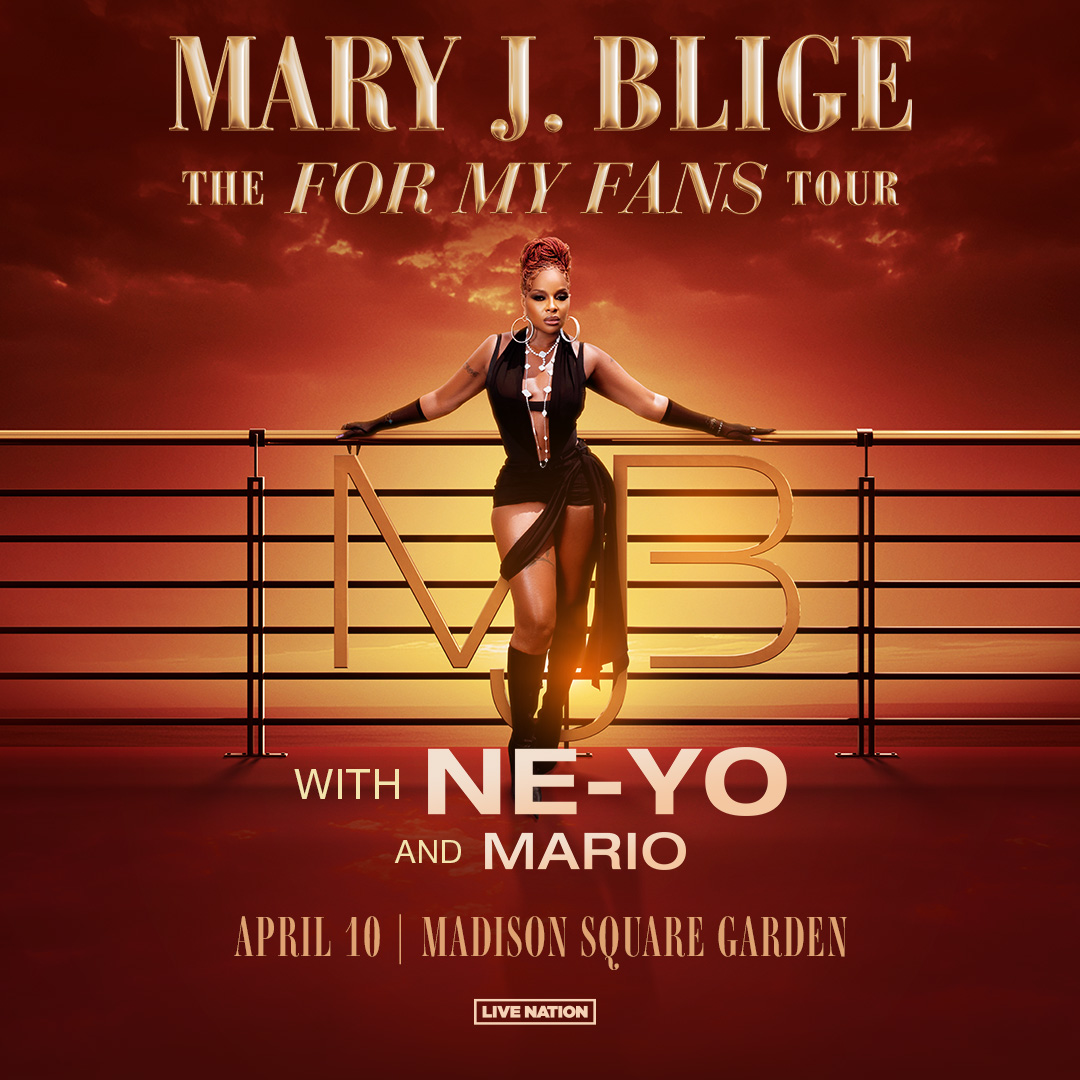
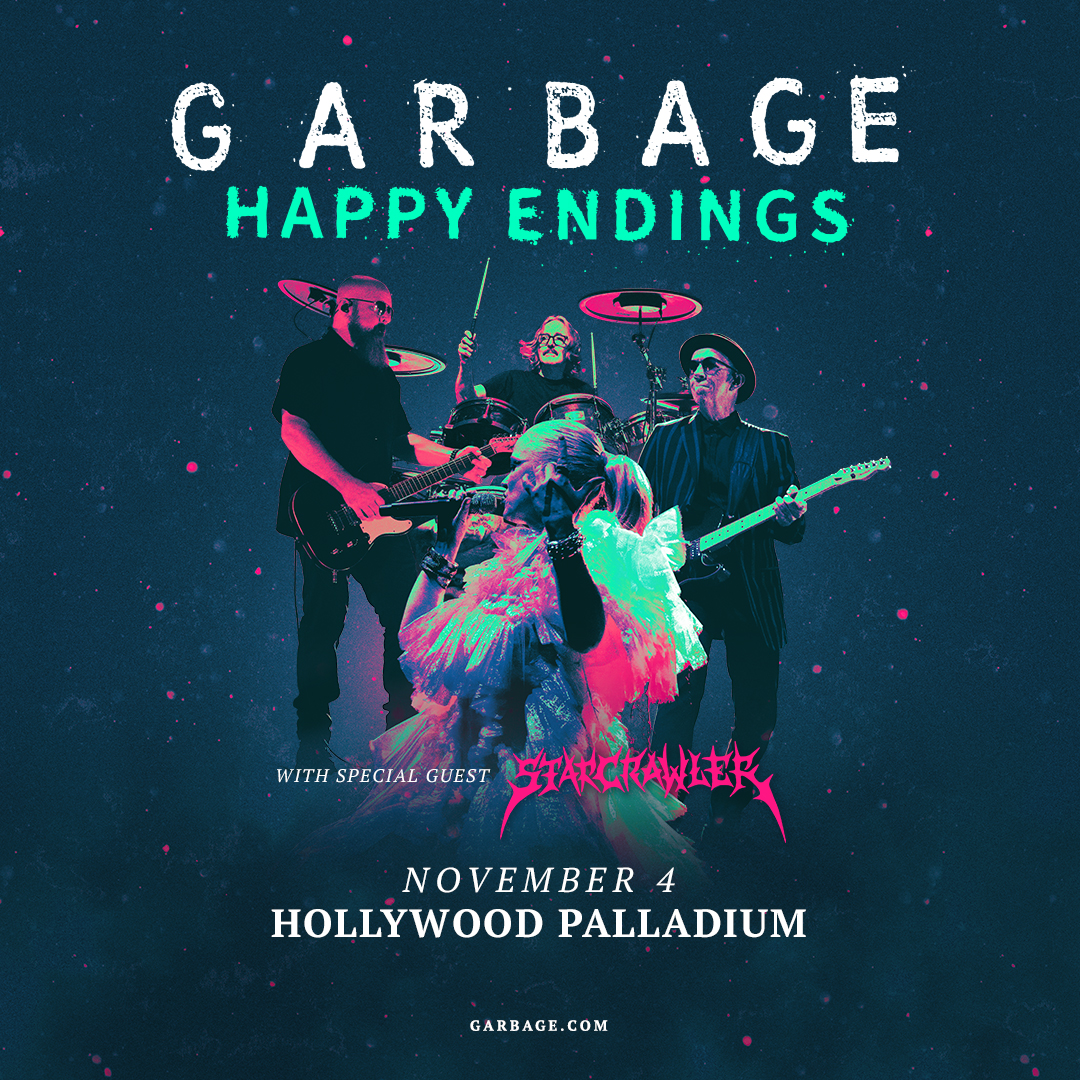
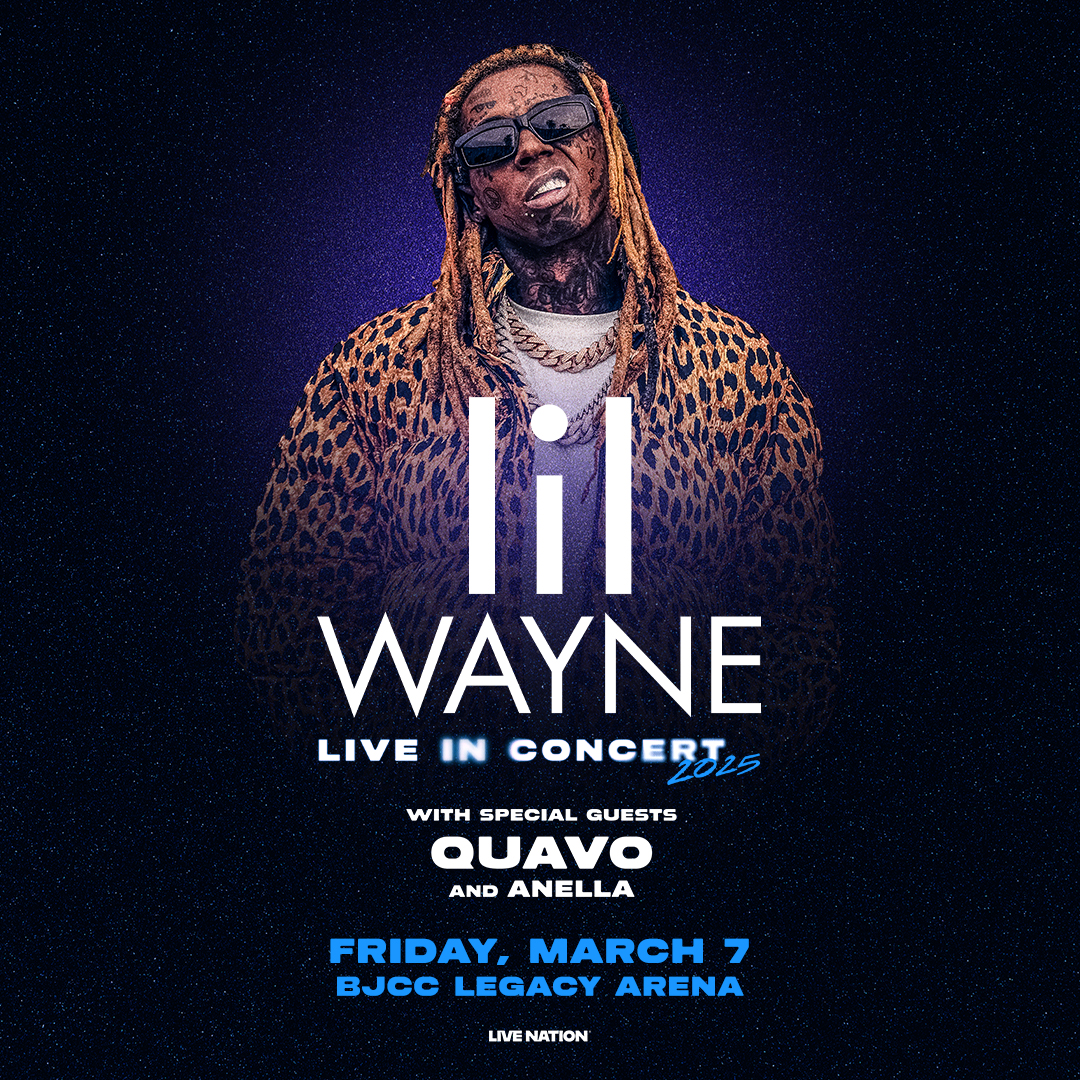
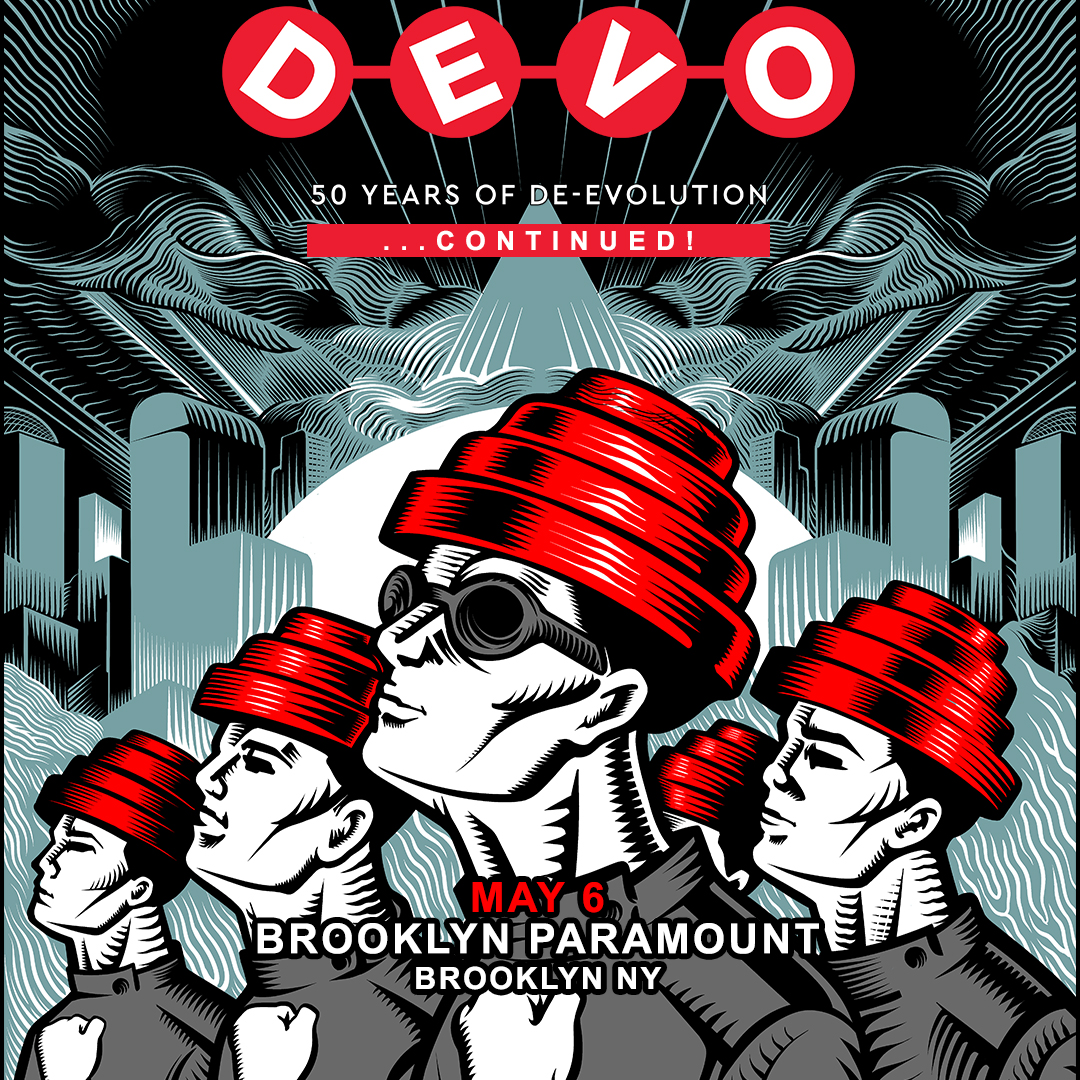
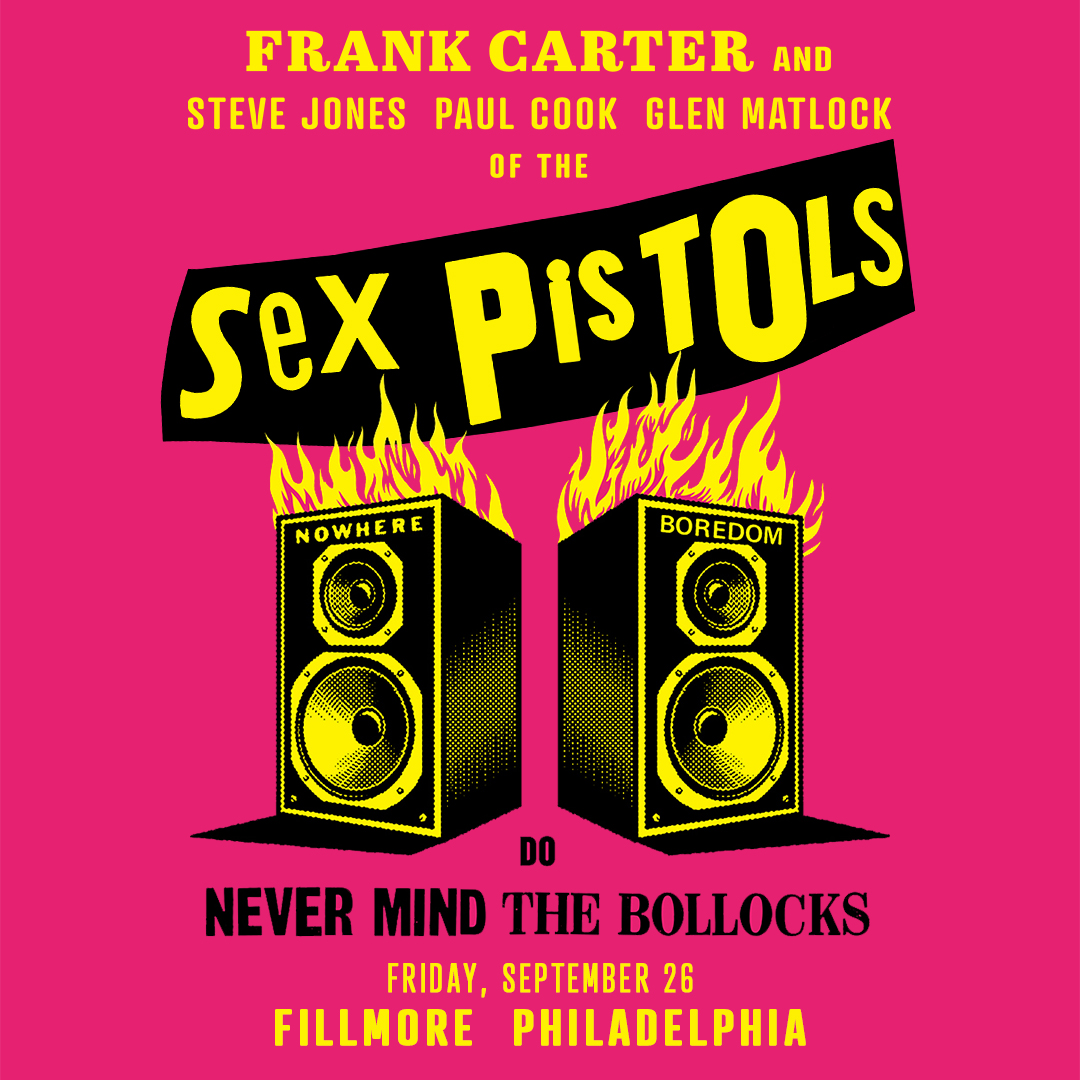
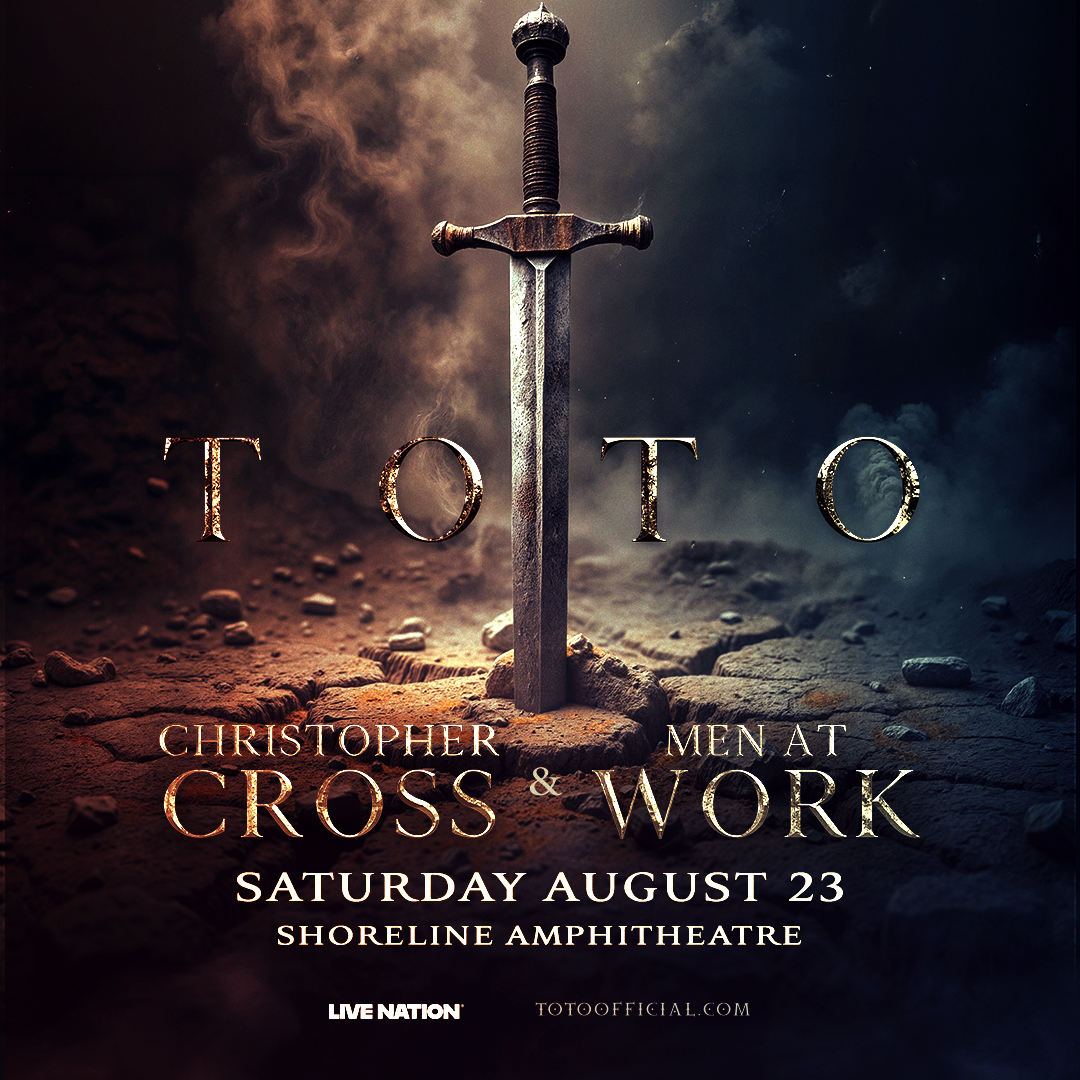

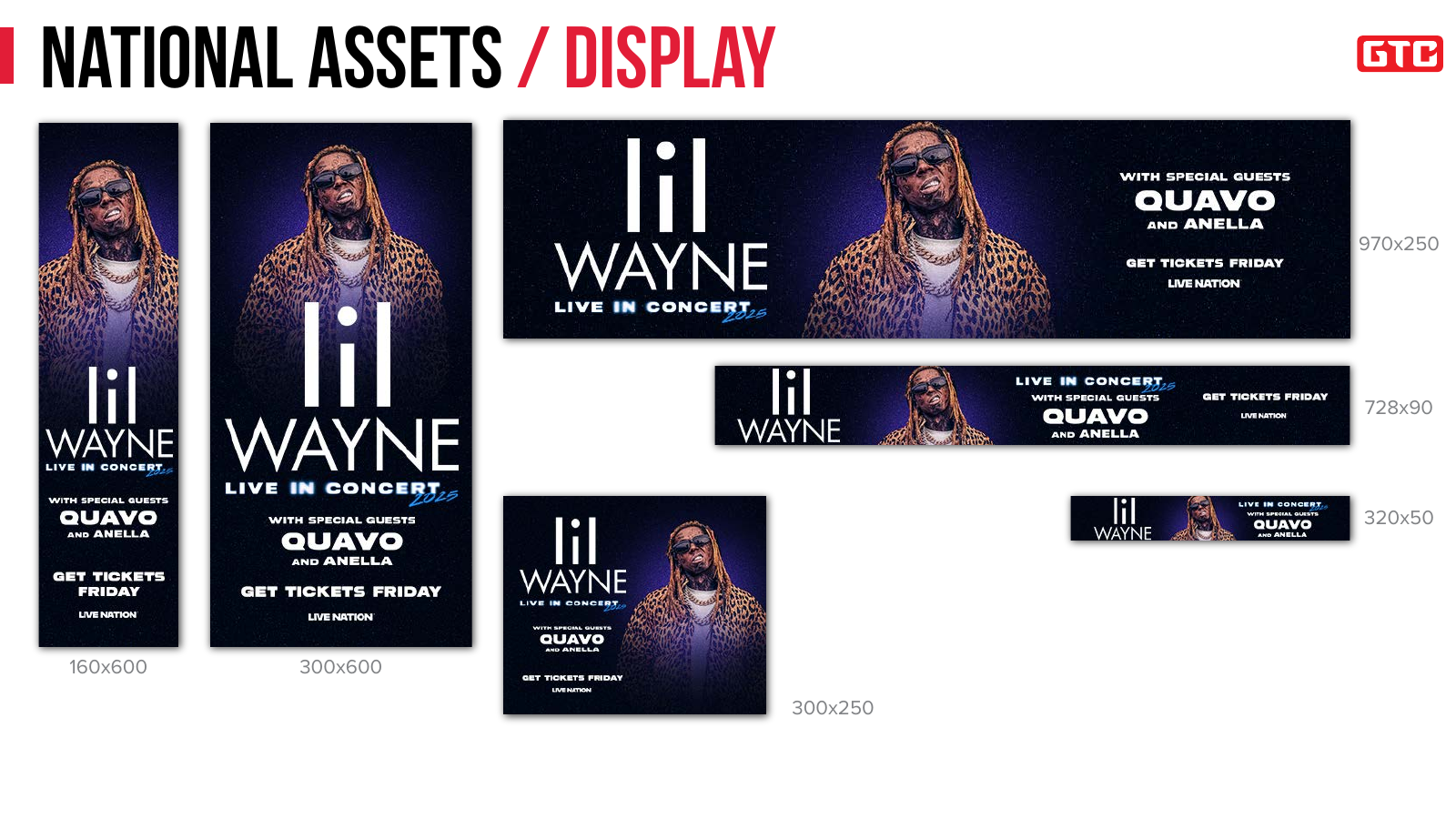
From Artwork to Delivery
- ≈33
- PSD working files per package*
- ≈50
- JPEG assets per package*
- 12 Pages
- Template guide
- Just Over an Hour
- My production time per complete package
*Asset counts varied by campaign.
Watch the Automation ↓See the Workflow in Action
Custom Illustrator script: match exported artwork to placeholders, populate the guide, and create a reduced-size PDF after saving the source file.
Condensed demonstration; waiting periods are shortened and portions play at increased speed. No audio.
Behind the Workflow
Tour Campaign Production & Workflow Automation
The Project
At GTC, I adapted supplied tour artwork into coordinated promotional packages for live entertainment campaigns. Each package covered multiple formats, including social media, display advertising, website placements, and outdoor screens and billboards, alongside a 12-page Illustrator template guide.
The Challenge
The work involved more than resizing artwork. Each format needed its own layout, with attention to safe areas, legibility, and platform requirements. Selected sizes also required separate ticket-message versions, such as “GET TICKETS FRIDAY” and “GET TICKETS NOW.” Exporting these variations manually meant repeatedly changing layer visibility, checking which sizes needed each version, and saving every JPEG with the correct filename and folder.
My Initiative
Automation was outside my assigned responsibilities. While waiting for my next project, I took the initiative to develop tools that would reduce repetitive production work.
I developed a Photoshop script that identified which sizes required ticket-message variations, showed and hid the appropriate layers, and batch-exported the JPEGs to their designated folders using the required filenames. This automated the repetitive export steps while keeping the output organized for delivery.
I also developed an Illustrator script that matched the exported images to the guide’s placeholders and relinked them in place. After the source Illustrator file was saved, the workflow automatically created a reduced-size PDF ready to send with the package. Together, the scripts connected artwork production, versioning, guide population, and delivery preparation.
Building a Shared Workflow
I created the scripts independently. The team already had some shared production standards, and I asked the three other team members how they handled their work so I could account for differences in their processes. Those conversations informed how I designed the scripts to be useful beyond my own workflow.
The Deliverables
The accompanying guide documented the original artwork, fonts and colors, national and localized asset examples, safe areas, and mockups showing the graphics in context. This gave the team a consistent reference across social, display, web, and out-of-home placements. A typical template package included approximately 33 PSD working files, 50 JPEG assets across national and regional versions, and a 12-page template guide. The exact file counts varied with the campaign’s requirements.
The Outcome
With this workflow, I brought my production time down to just over an hour for a complete package. Removing the need to manually export each file was a major time saver. Automating exports and guide placement freed up time for layout decisions and visual checks, while learning how others handled production helped me design the tools for potential use across the team.
